Code 43 in Device Manager
The message is: “Windows has stopped this device because it has reported problems. (Code 43)”. According to Microsoft, one of the drivers controlling the device notified Windows that the device failed. The code alone does not say whether the cause is the driver or the hardware.
What Microsoft advises: in Device Manager, uninstall the device, then choose Action, “Scan for hardware changes” to reinstall the driver. If the problem remains, check the hardware documentation or its maker.
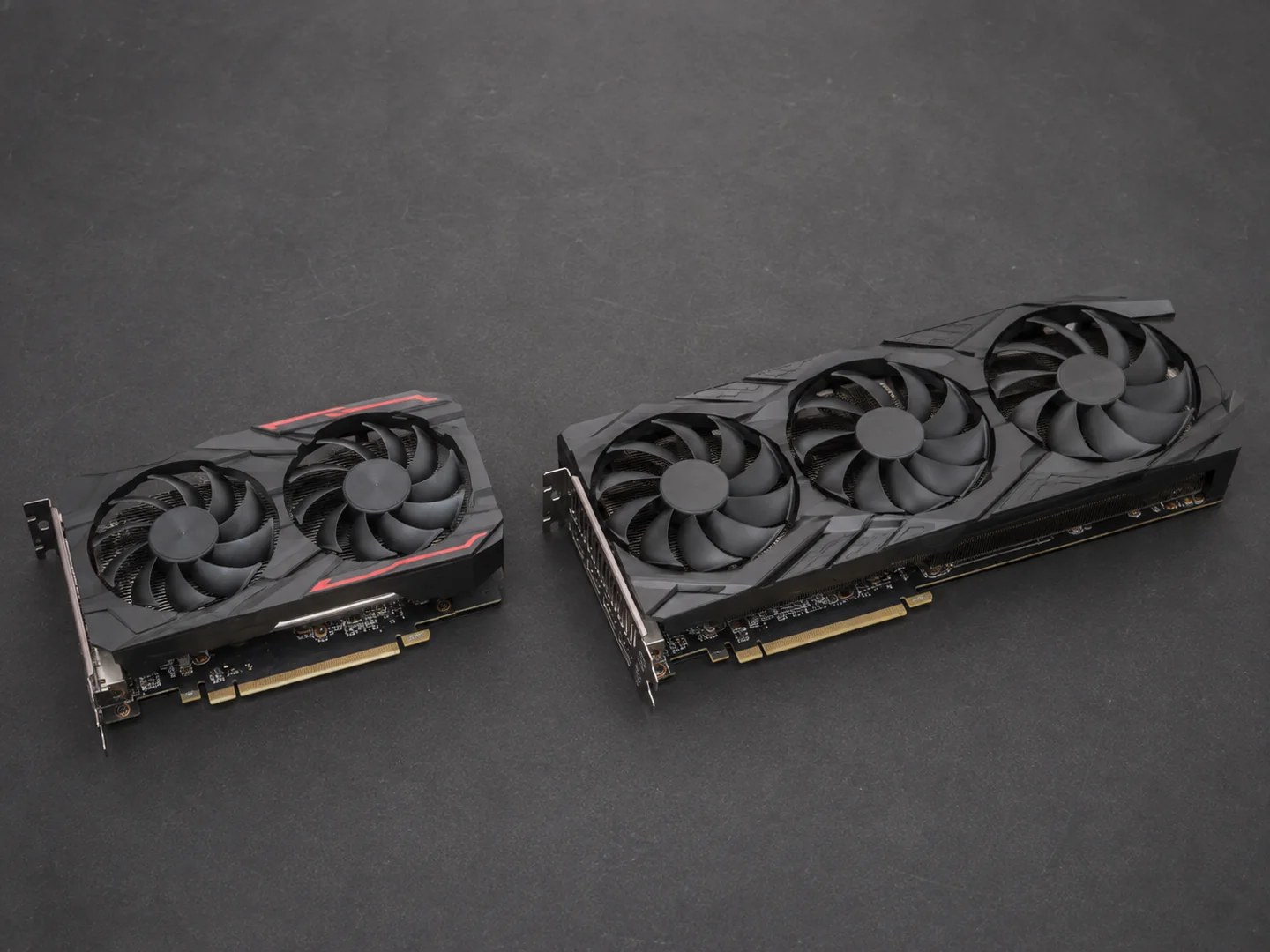
Our advice for a graphics card: install the driver from NVIDIA’s, AMD’s or Intel’s site and check that its power cables are plugged in properly. If Code 43 comes back after a clean reinstall, or if it appeared after a knock, transport or a change of part, it is a case for the workshop.
VIDEO_TDR_FAILURE (0x116)
According to Microsoft, this blue screen means that Windows tried to reset the display driver after a timeout, without success.
The causes Microsoft lists: a display driver that is not up to date, overclocked components, incorrect memory settings, insufficient cooling or power, defective parts. The checks are those of a PC that crashes in games: our step-by-step guide.
WHEA_UNCORRECTABLE_ERROR (0x124)
Microsoft describes it as a fatal hardware error, reported through the Windows Hardware Error Architecture (WHEA).
The error’s first parameter gives its source: for example a “machine check exception”, a mechanism of the processor, or an uncorrectable PCI Express error. Windows saves the details in the system event log.
The lead can therefore be the processor, the memory or a PCI Express device: only tests tell. Microsoft advises an up-to-date BIOS and firmware and hardware and memory tests. Our advice: if you overclocked or changed voltages, go back to the original settings first. With an Intel Core 13th or 14th Gen processor, also apply Intel’s BIOS recommendation, described in our guide to freezes in games.
MEMORY_MANAGEMENT (0x1A)
Microsoft describes it as a severe error in memory management. The RAM is one lead, not the only one: according to Microsoft, an unexpected restart can come from a device, its driver or software.
To check the modules, Microsoft advises the Windows Memory Diagnostic tool: Windows key + R, type mdsched, then choose to restart now and check for problems. The result appears after you sign in again. Our advice: if you enabled XMP or EXPO, run the test again with the original settings, and if the blue screens go on despite a test without errors, do not stop there.
Which slots to use, XMP and EXPO, and memory that is not detected are covered in our RAM guide.
For all these errors: the first steps
These steps come from Microsoft’s help pages on blue screens and unexpected restarts:
- Note the stop code: Microsoft advises looking for it in the event logs.
- Remove the hardware added just before the errors, then restart.
- Open Device Manager: an exclamation mark shows a device in error; update its driver, or disable or uninstall the device if that is not enough.
- Install the Windows updates.
- Keep 10 to 15% free space on the drive.
- Update the BIOS and firmware, then test the hardware and the memory.
- If nothing helps, restore Windows from a system restore point.
When to bring us the PC
- The same code comes back after these first steps.
- Code 43 stays on the graphics card after a clean reinstall of the driver.
- The tests mean trying other memory, another power supply or another graphics card.
- The PC does not start at all any more: see also our guide to the motherboard LEDs.
In the workshop, PC4GAMER looks for the cause before proposing a part, and the solution is explained to you before any repair. The diagnosis levels, as the diagnosis page lists them:
| Level | Price | For |
|---|---|---|
| Remote help | CHF 30 | Windows still starts |
| Workshop diagnosis | CHF 60 | Crash, heat, noise or unstable FPS |
| In-depth analysis | CHF 120 | Intermittent or complex fault |
The exact price is confirmed after reading your request.
Frequently asked questions
What does Code 43 on a graphics card mean?
According to Microsoft, one of the drivers controlling the device reported a failure to Windows. Reinstall the driver; if Code 43 comes back, the card, its power supply or its slot need testing in the workshop.
WHEA_UNCORRECTABLE_ERROR: is the processor dead?
Not necessarily. Microsoft speaks of a fatal hardware error whose source is given by the first parameter and saved in the system log. Processor, memory or PCI Express device: test before concluding.
MEMORY_MANAGEMENT: should I replace the RAM?
Not before testing it. Microsoft advises the Windows Memory Diagnostic tool (mdsched), and an unexpected restart can also come from a driver or software.
VIDEO_TDR_FAILURE: is it the graphics card?
Not necessarily. Microsoft lists the display driver, overclocking, memory settings, cooling, the power supply and defective parts.
Where can I find the code of a past blue screen?
Microsoft advises reading the stop code in the Windows event logs.
Sources
Pages read on 8 November 2026. Colours, codes and menus change with the brand, the model and the version: your motherboard’s manual and your parts’ documentation are the reference.
- Microsoft Support : Error codes in Device Manager in Windows (no date shown)
- Microsoft Learn : Code 43 - CM_PROB_FAILED_POST_START (updated 15/12/2021)
- Microsoft Learn : Bug Check 0x116: VIDEO_TDR_FAILURE (updated 22/12/2022)
- Microsoft Learn : Bug Check 0x124: WHEA_UNCORRECTABLE_ERROR (updated 04/01/2023)
- Microsoft Learn : Bug Check 0x1A: MEMORY_MANAGEMENT (updated 06/04/2023)
- Microsoft Support : Troubleshooting Windows unexpected restarts and stop code errors (no date shown)
- Microsoft Learn : Advanced troubleshooting for stop or blue screen errors (updated 12/02/2026)
- Microsoft Support : How to fix Error 0xA: IRQL_NOT_LESS_OR_EQUAL (Windows Memory Diagnostic) (no date shown)
- ASUS : [Motherboard] Troubleshooting - No Power/No Boot/No Display (updated 05/03/2026)