What happens when the picture freezes
When the graphics card takes too long to finish a task, Windows detects it and resets the card so that the whole PC does not stay stuck: this is timeout detection and recovery (TDR). By default, the timeout is two seconds.
Microsoft describes exactly this freeze in games: the graphics card is busy with intensive graphics work and the screen no longer updates. If the recovery succeeds, Windows reports that the display driver stopped responding and has recovered. If it fails, or if more than five freezes happen within one minute, you get the VIDEO_TDR_FAILURE blue screen.
A game that closes by itself or a PC that restarts mid-game is checked with the same leads, below.
The documented causes
For the VIDEO_TDR_FAILURE blue screen, Microsoft lists these possible causes:
- a display driver that is not up to date;
- overclocked components;
- incorrect compatibility or settings, especially for the memory (configuration and timings);
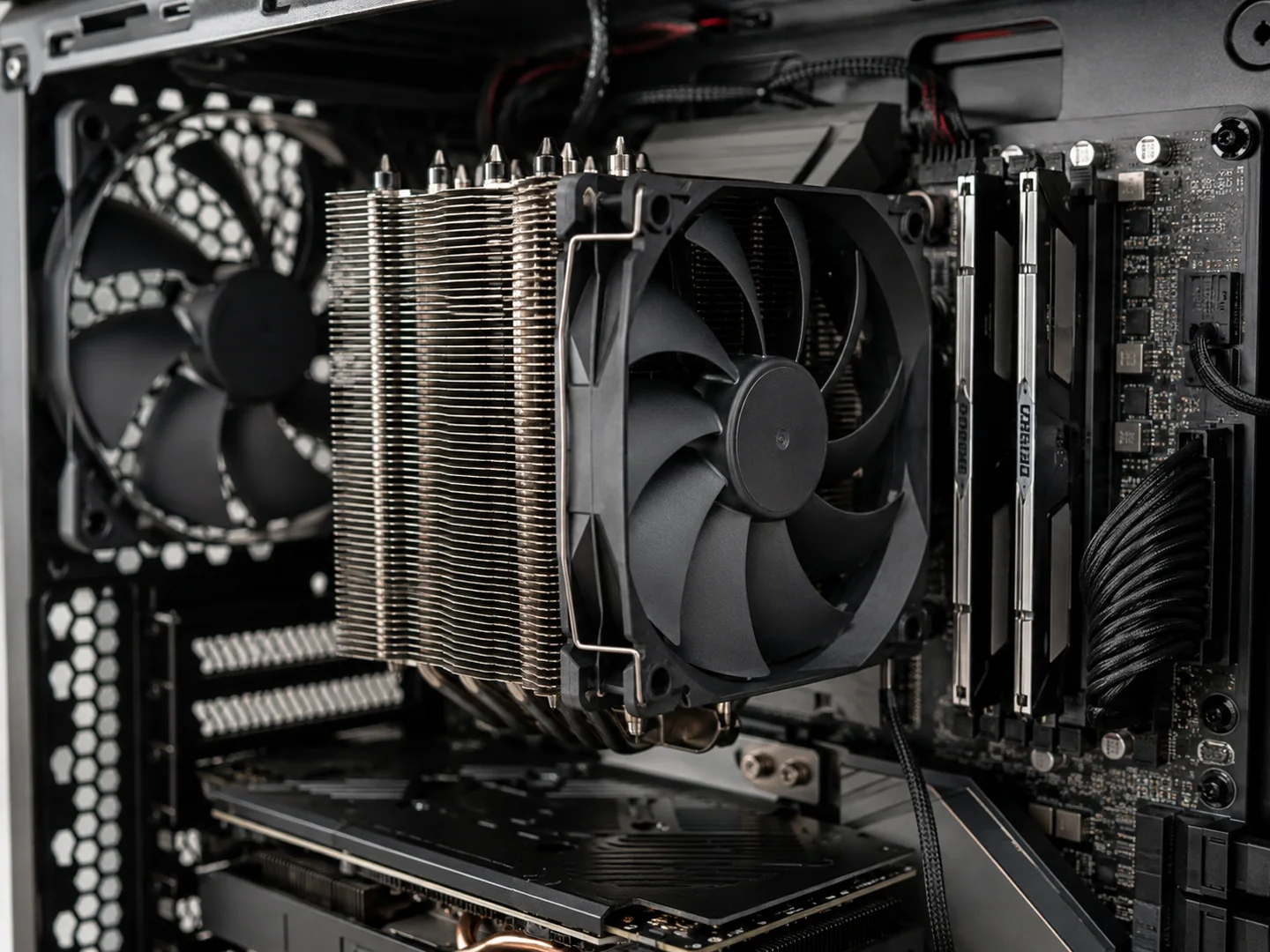
- insufficient cooling;
- insufficient power;
- defective parts (memory, motherboard…);
- visual effects or too many programs in the background.
For blue screens in general, Microsoft’s analysis puts 70% of cases down to third-party drivers and 10% to hardware.
Drivers
One driver version can fix a crash that another one brought in. NVIDIA’s release notes of 6 October 2026 for example fix a crash in Assassin’s Creed Shadows after long play, which appeared with version 616.56.
Temperature
An Intel processor protects itself by lowering its frequency, then by shutting down if that is not enough. Intel warns that a temperature on its own says little: in normal use, a processor can reach its maximum. Among the signs of overheating, Intel lists a PC that shuts down by itself shortly after starting and a frequency lower than expected.
Intel Core 13th and 14th Gen processors
Intel has identified the cause of an instability (“Vmin Shift”) that affects some of these desktop processors. It recommends the Intel default settings in the BIOS and a BIOS with microcode 0x12F or later, and it has extended the warranty of the processors affected by two years.
Which slots to use, XMP and EXPO, and memory that is not detected are covered in our RAM guide.
The checks, in order
Do them in order and note what changes: one change at a time, otherwise you no longer know what solved the problem.
- Describe the problem: frozen picture with looping sound, black screen, game that closes, restart or blue screen. Note the game, since when, and what changed just before (driver, update, part, setting).
- If there is a blue screen, note the stop code, for example VIDEO_TDR_FAILURE. Microsoft advises reading it in the event logs. Our guide to hardware-related Windows errors explains four of these codes.
- Update Windows and the graphics driver from the card maker’s site (NVIDIA, AMD or Intel). If the problem started just after a driver update, go back to the previous version: Microsoft lists going back to the last state that worked among the options.
- Go back to the original settings for a test: no overclocking of the processor, graphics card or memory, XMP or EXPO off. If the crashes stop, the lead is found.
- Watch the temperatures during a game and look at the dust, the fans spinning and the air inlets being clear.
- Test the memory with the Windows Memory Diagnostic tool: Windows key + R, type mdsched, then choose to restart now and check for problems. The result appears after you sign in again.
- Keep space free on the Windows drive: Microsoft advises 10 to 15% free space.
- Check that the graphics card’s power cables are plugged in properly and that your power supply’s output matches what the card maker asks for.
- With an Intel Core 13th or 14th Gen processor, install your motherboard’s BIOS that contains microcode 0x12F or later.
When to ask for a diagnosis
- The crashes go on after these checks, or come back in several games.
- The PC shuts down or restarts by itself under full load.
- To go further, you would need to try another power supply, other memory or another graphics card.
- You see abnormal shapes or colours on the screen, or you notice a hot smell.
In the workshop, PC4GAMER looks for the cause before proposing a part, and the solution is explained to you before any repair. The diagnosis levels, as the diagnosis page lists them:
| Level | Price | For |
|---|---|---|
| Remote help | CHF 30 | Windows still starts |
| Workshop diagnosis | CHF 60 | Crash, heat, noise or unstable FPS |
| In-depth analysis | CHF 120 | Intermittent or complex fault |
The exact price is confirmed after reading your request.
Frequently asked questions
My game freezes for a few seconds then carries on: is it serious?
It may be Windows resetting the graphics card (TDR). When the recovery succeeds, Microsoft says Windows reports that the display driver stopped responding and has recovered. If it happens again, follow the checks on this page.
Why does the PC crash in games and not on the desktop?
In a game, the graphics card works flat out: Microsoft places these freezes during intensive graphics work, typically in games. Intel also notes that a processor running at its maximum frequency can heat up very fast.
Should I replace the graphics card?
Not before checking the driver, the temperatures, the memory settings and the power supply: Microsoft lists all these causes for the VIDEO_TDR_FAILURE blue screen. A faulty card is still possible; a test confirms it.
My Intel 13th or 14th Gen processor crashes: what should I do?
Intel recommends the Intel default settings in the BIOS and a BIOS with microcode 0x12F or later. It has extended the warranty of the processors affected by this instability by two years.
Is a remote check possible?
Yes, if Windows still starts: that is remote help. Otherwise the PC goes to the workshop. The prices are above, and the exact price is confirmed after reading your request.
Sources
Pages read on 8 November 2026. Colours, codes and menus change with the brand, the model and the version: your motherboard’s manual and your parts’ documentation are the reference.
- Microsoft Learn : WDDM Support for Timeout Detection and Recovery (TDR) (updated 05/11/2025)
- Microsoft Learn : Bug Check 0x116: VIDEO_TDR_FAILURE (updated 22/12/2022)
- Microsoft Learn : Advanced troubleshooting for stop or blue screen errors (updated 12/02/2026)
- Microsoft Support : Troubleshooting Windows unexpected restarts and stop code errors (no date shown)
- Microsoft Support : How to fix Error 0xA: IRQL_NOT_LESS_OR_EQUAL (Windows Memory Diagnostic) (no date shown)
- NVIDIA : Release 615 Driver for Windows, Version 617.42, Release Notes (6 October 2026)
- Intel : Intel® Core™ 13th and 14th Gen Desktop Processor Vmin Shift Instability Issue (reviewed 21/07/2026)
- Intel : Information about Temperature for Intel® Processors (reviewed 06/02/2025)
- Intel : Overheating Symptoms and Troubleshooting for Intel® Boxed Processors (reviewed 17/12/2025)
- ASUS : [Motherboard] Troubleshooting - No Power/No Boot/No Display (updated 05/03/2026)